


Pizza Boy A Pro
4.81.82K Reviews
App Specs
- Version
- 3.8.4
- Updated On
- License
- $5.99
- Downloads
- 100,000+
- Developer
- Pizza Emulators
- Categories
- Arcade
- Platform
- Android
Screenshots
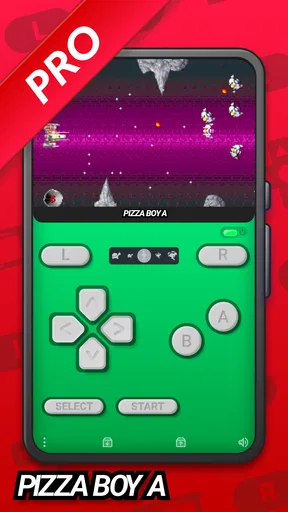
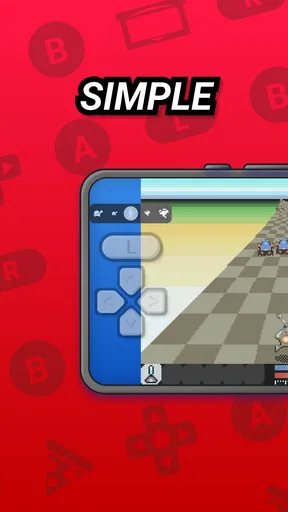
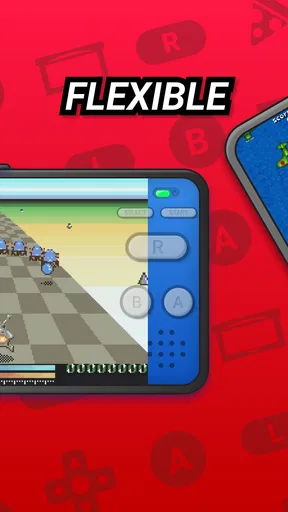
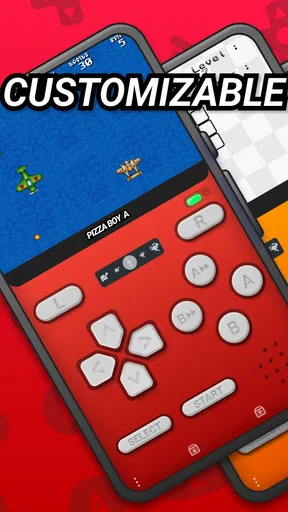
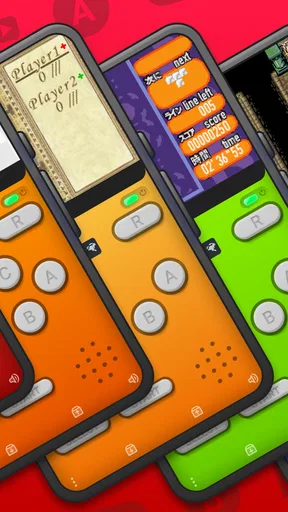
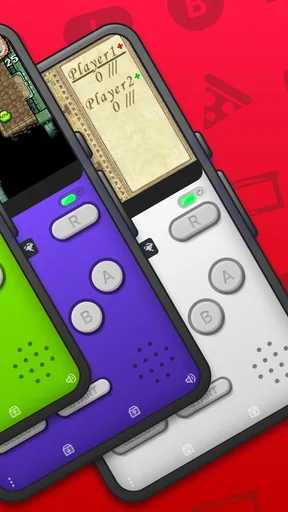
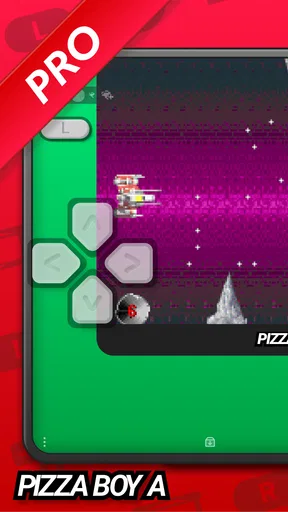
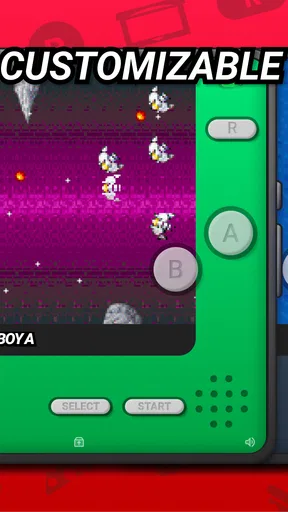
 Analysis by AppCompare
I usually judge an emulator by a simple question: how quickly can I get from opening it to enjoying a game, and how easy is it to come back later? Pizza Boy A Pro is an arcade-category game from Pizza Emulators, built for playing Game Boy Advance titles on Android. Its appeal is less about adding a new game and more about making familiar games convenient to pick up on a phone. I find that distinction important: the experience depends on having games you can use legally, and on being comfortable with touch controls or an external controller.
Where the play loop starts
The basic rhythm is straightforward: choose a game, act, see the game respond, and decide whether to keep going or pause. That quick start is a real advantage for short breaks. A few minutes can be enough to make progress, while a longer session gives you room to settle into a game’s own challenges. The emulator itself is not the reward; the reward comes from returning to a title you enjoy and getting another chance at a difficult section or objective.
For an everyday example, I can imagine opening it during a quiet commute break, playing until it is time to move on, and returning later rather than needing to set aside a full evening. That kind of stop-and-start use suits a handheld game library particularly well. It is also where save states can be useful: they offer a way to preserve a moment beyond whatever save points the game itself provides. I would treat them as a convenience, not as a substitute for a game’s own saving system.
Feedback, controls, and the feel of play
Touch controls are the first practical decision. They keep everything on one screen, but they can cover part of the action and may feel less precise than physical buttons during a fast or demanding section. Adjusting the on-screen layout to suit your grip can make a noticeable difference; I would spend a minute testing the placement before committing to a long session. If you have a compatible controller, using it is a sensible alternative for games where timing and directional accuracy matter more than pocketable convenience.
That trade-off is common across phone-based emulators, but it matters especially here because the games are designed around handheld controls. Compared with playing on original hardware, a phone is easier to carry and can offer more flexible ways to resume, while the original device has dedicated buttons and a more focused feel. Compared with a general-purpose emulator, Pizza Boy A Pro has a narrower purpose: it is for the GBA rather than a one-stop home for many different systems. That focus can be welcome if this is the library you want, but it is less appealing if you expect one app to cover several generations of consoles.
What keeps a session going—and what makes me pause
The satisfying part of a good run is the feedback loop: an input produces an immediate response, progress gives you a reason to continue, and a setback invites another try. The emulator can help make that loop easier to fit around daily life, but it cannot make every game equally suited to a touchscreen. I would be more cautious about using touch controls for action that demands repeated, precise inputs, and more relaxed about them in games that leave time to think or move at a gentler pace.
There is also a practical question before the first session: where your game files come from. An emulator is not the same thing as a library of games, so you should only use game files you have the right to use. If your expectation is to install the app and immediately find a built-in collection waiting, this is not the right purchase. That distinction is worth understanding before paying, rather than discovering it after download.
Worth Reading Before You Choose

Flipboard Shows What News Apps Must Do Beyond the Feed

Switching to Android Auto Means Rethinking Your Driving Routine

Google Calendar Makes a Crowded Week Easier to Manage

Ludo King Makes the Most of the Minutes Between Plans

Baby Panda World Brings Quick Play to Modern Phones, but Its Game Library Feels Busy

ESPN’s Live Game View Makes Following Close Games Easier
First Impressions and Getting Started
So, right off the bat, Pizza Boy A Pro grabs your attention with its user-friendly interface. It’s super easy to navigate, which is a huge plus for those of us who don’t want to waste time figuring out complicated menus. I downloaded it on a lazy Sunday afternoon, and within minutes, I was diving into a collection of classic games that took me back to the good ol’ days.
The installation process is a breeze. You download the app, and boom, you’re all set to go. The app is compatible with both Android and iOS, which is awesome because it means you can enjoy this nostalgic goodness on pretty much any device out there.
Gameplay and Features
Now, let’s talk about the real star of the show: the gameplay. Wow, this app does an incredible job at emulating those classic games we all know and love. It’s like having a pocket-sized arcade right on your phone. The controls are intuitive and responsive, which is crucial for a smooth gaming experience. The graphics are crisp, and the sound effects are spot on, bringing that authentic retro vibe.
One of the features that really stood out to me is the ability to save and load your game states. This is a game-changer (pun intended) because it lets you pick up right where you left off without a hitch. You can also customize the on-screen controls, which is perfect for tailoring the experience to your liking. Whether you’re a seasoned gamer or just starting out, these options make the app accessible and enjoyable for everyone.
Performance and Compatibility
Performance-wise, Pizza Boy A Pro runs smoothly without any lag or glitches, which is impressive given the high-quality emulation it offers. I’ve tried it on both my phone and tablet, and it works seamlessly on both devices. The app doesn’t hog your battery life either, which is a relief because who wants to stop gaming to recharge?
Another great thing is the app's compatibility with external controllers. If you’re like me and enjoy the tactile feel of a real controller in your hands, you’ll appreciate this feature. Just sync your controller via Bluetooth, and you’re good to go.
Community and Support
What makes Pizza Boy A Pro even more appealing is the community around it. The developers are actively engaged and open to feedback, constantly working on updates and improvements. It’s not just about playing games; it’s about being part of a community that shares your passion.
If you ever run into issues, there’s a solid support system in place. The FAQs cover most of the common queries, and there are forums where you can connect with other users to exchange tips and tricks. It’s always nice to see developers who genuinely care about their user base.
Choosing it with realistic expectations
The app costs $5.99, so I would decide based on how often I expect to use a GBA emulator rather than treating it as an impulse download. Its 4.9 average from around 18,000 ratings and more than 100,000 installs suggest that many players have found a reason to keep it, but popularity cannot tell you whether your favorite games feel good on a phone. The age rating is Everyone, and the current version is 3.5.9; Android 7.0 is the minimum system requirement.
For someone with a small, carefully chosen GBA library and a preference for a focused app, paying for a dedicated emulator can make sense. If you only want to try one game briefly, or you need a single emulator for several systems, a different option may suit you better. I would also skip it if you do not want to manage your own game files, or if playing without physical buttons is a deal-breaker.
Small habits that make it easier to return
My practical advice is to set up one game at a time rather than importing a large library and then hunting through it. A short list makes it easier to remember what you were playing and reduces the friction between opening the app and starting a session. I would test the controls in a low-pressure part of a game, then adjust their positions before reaching a section where a missed input could cost progress.
Save states deserve a little discipline, too. They are handy when you need to stop at an awkward point, but keeping a game’s normal save routine in mind helps avoid relying on a single snapshot. If you use both a controller and the screen controls, try each with the same game before settling into a long run; some titles simply feel better with physical buttons, while others are perfectly comfortable on glass. These are small choices, but they can determine whether the emulator feels like a convenient pocket companion or a setup you keep postponing.
Final Thoughts
All in all, Pizza Boy A Pro is a fantastic app that delivers on its promise of bringing classic gaming experiences to the palm of your hand. Whether you’re looking to relive your childhood memories or discover the charm of retro games for the first time, this app is definitely worth a download.
So, go ahead and give it a shot. You might find yourself lost in a world of 8-bit adventures and pixelated glory. Just don’t forget to take a break once in a while! Happy gaming!
Pros
- Highly accurate emulation experience
- Smooth performance with no lag
- Customizable controls for comfort
- Supports multiple ROM formats
- Save and load states quickly
Cons
- Occasional sound glitches
- Limited free version features
- High battery consumption
- Complex setup for beginners
- No multiplayer support
FAQs for Pizza Boy A Pro
What is Pizza Boy A Pro?
Pizza Boy A Pro is an advanced Game Boy and Game Boy Color emulator available for Android devices. It allows users to play classic games from these consoles with enhanced features like improved graphics, customizable controls, and save states. The app is designed to offer a seamless gaming experience with high compatibility and performance.
Is Pizza Boy A Pro legal to use?
Yes, Pizza Boy A Pro is legal to use as an emulator. However, users should be aware that downloading ROMs of games they do not own may infringe on copyright laws. It is recommended to only use ROMs for games you legally own a copy of, to ensure compliance with legal standards.
What features does Pizza Boy A Pro offer?
Pizza Boy A Pro provides an array of features including high frame rates, customizable on-screen controls, and support for Bluetooth controllers. It also offers fast forward and slow-motion options, multiple save states, and a user-friendly interface. Additionally, the app supports external hardware like physical controllers for a more authentic gaming experience.
How is the performance of Pizza Boy A Pro on different devices?
Pizza Boy A Pro is optimized to run smoothly on a variety of Android devices. It is designed to offer high performance with minimal battery consumption, ensuring a superior gaming experience without overheating your device. Users with older or less powerful devices can adjust settings to balance performance and quality.
Does Pizza Boy A Pro support multiplayer gaming?
Currently, Pizza Boy A Pro does not support online multiplayer gaming. However, it provides local multiplayer options through linked controllers. Players can enjoy classic multiplayer games by connecting additional controllers to their device, making it possible to relive the retro gaming experience with friends locally.


